I. Introduction: Your Essential Tool for Success in Arizona’s Nursing Schools
Picture this: it’s a Tuesday. You’ve just finished a long clinical shift at Banner Health in Tucson, you have a care plan due at midnight, and you need to attend a virtual lecture for your ASU Edson College class from your apartment in downtown Phoenix. In this whirlwind of activity, your most crucial piece of equipment isn’t just your stethoscope—it’s your laptop.
In today’s fast-paced world of nursing education, a reliable laptop is your command center. It’s where you’ll access electronic health record (EHR) simulations, take proctored exams, research evidence-based practices, and collaborate with your peers. But not just any laptop will do.
Why an “AZ Edition”? Because we’re not just giving you a generic list. This guide is specifically tailored for you, the Arizona nursing student. We’ve dug into the specific technology requirements and recommendations from Arizona State University (ASU), the University of Arizona (U of A), and Northern Arizona University (NAU) to ensure your investment is smart, compliant, and ready for the demands of 2026 and beyond.

II. Decoding the Essentials: What Every Arizona Nursing Student Needs in a Laptop
Navigating tech specs can feel overwhelming. Let’s break down what truly matters for your nursing school journey in simple, no-nonsense terms.
A. Portability and Battery Life: From the Classroom to Clinicals
Lightweight Champion: You’ll be carrying this device from a lecture hall in Flagstaff to a study session at a coffee shop in Tempe. A laptop under 4 pounds will save your back and be much easier to manage.
All-Day Power: A long clinical shift followed by a study group means you won’t always be near an outlet. Look for a laptop with at least 10-12 hours of rated battery life. This is non-negotiable for a busy nursing student.

B. Performance that Keeps Up with Your Demanding Schedule
The Brains of the Operation (Processor): This determines how smoothly your laptop runs. For 2026, an Intel Core i5 (or AMD Ryzen 5) is the minimum. An Intel Core i7 or Apple’s M-series chips (M2, M3, and newer) are ideal for seamless performance.
Seamless Multitasking (RAM): RAM is your laptop’s short-term memory. A minimum of 8GB is required by most AZ programs, but 16GB is strongly recommended.
Why it matters for nursing students: You’ll have multiple browser tabs open for research, your EHR simulation software running, a Word document for notes, and your online lecture streaming all at once. 16GB of RAM prevents your computer from freezing during a critical moment.
Speedy and Reliable Storage (SSD): A Solid-State Drive (SSD) is a modern type of storage that is significantly faster than an old-school hard drive. An SSD means your laptop boots up in seconds and applications load instantly. Aim for at least 256GB of SSD storage, with 512GB being the sweet spot.
C. Durability and a User-Friendly Experience
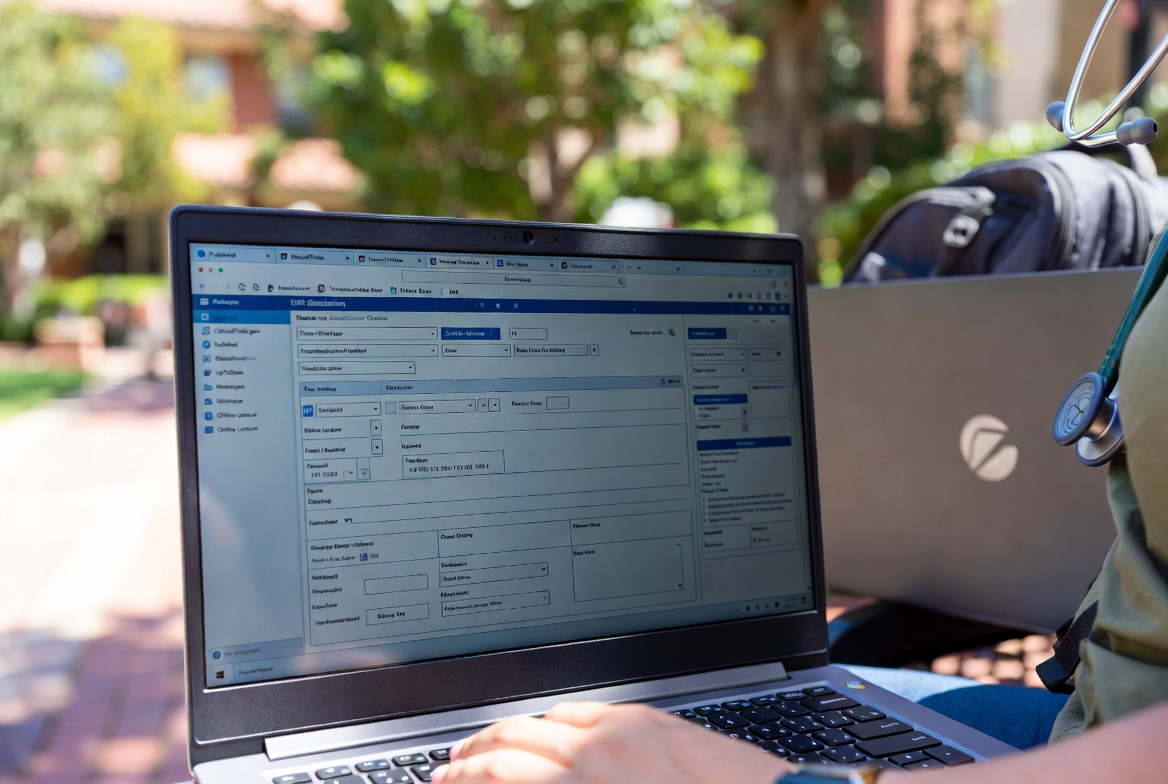
Built to Last: Your laptop will be tossed in a backpack and used daily. A sturdy build, preferably with a metal chassis (like aluminum), will withstand the rigors of nursing school.
A Comfortable Keyboard: You will type thousands of words writing care plans, research papers, and discussion posts. A backlit keyboard with comfortable key travel is a lifesaver during those late-night study sessions.
The Right Screen Size: A 13- to 15-inch screen offers the best balance of portability and usable screen space for viewing detailed medical diagrams and managing multiple windows.

III. Arizona Nursing Program Tech Check: What Your School Requires
Here’s the most important part: ensuring your laptop meets the specific requirements of your Arizona nursing program. Failure to do so can prevent you from taking exams or participating in class.
A. Arizona State University (ASU) – Edson College of Nursing and Health Innovation
ASU is clear that tablets (iPads, etc.) and Chromebooks are not sufficient as your primary device. You need a full-fledged laptop.
- Operating System: A standard PC (Windows 10/11) or Mac (current macOS).
- Hardware: They emphasize the need for a built-in or external webcam and microphone for online classes, proctored exams, and telehealth modules.
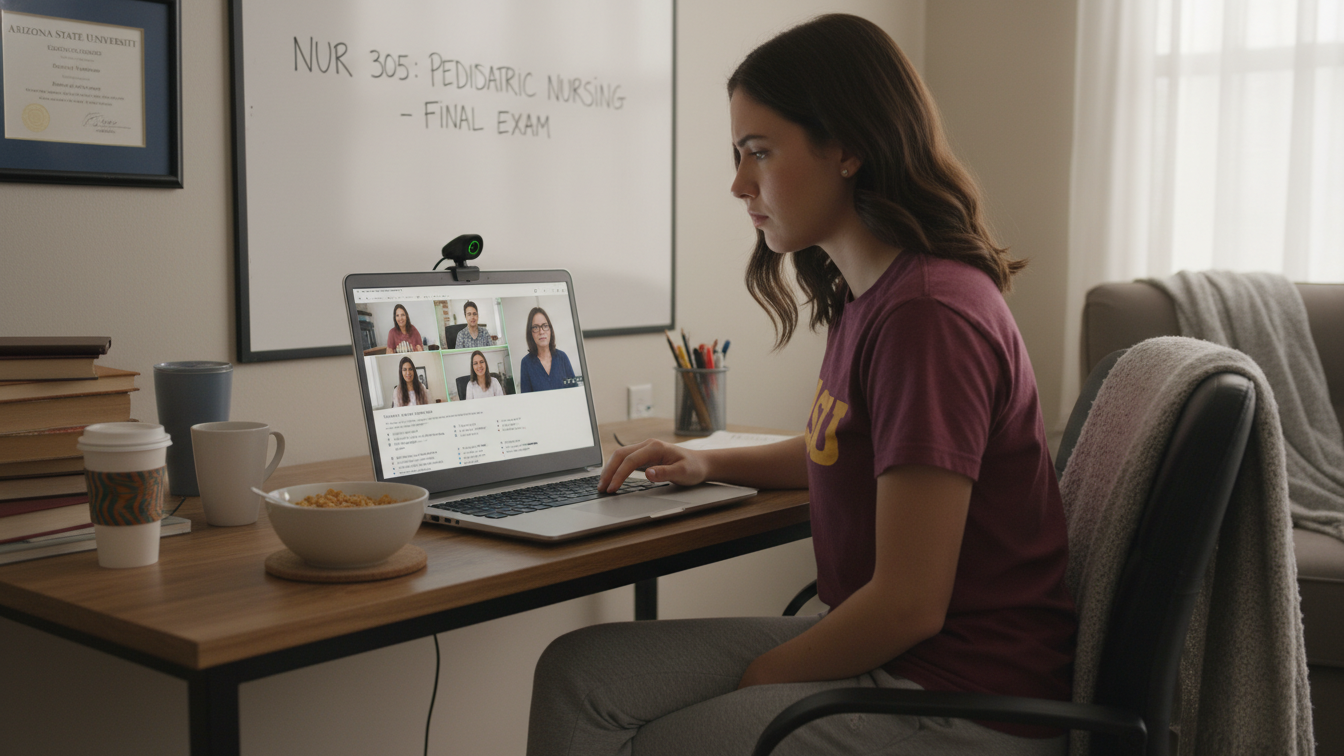
- Proctoring Software: ASU heavily uses online exam proctoring. Your laptop must be able to run software like Respondus LockDown Browser and Monitor.
B. University of Arizona (U of A) – College of Nursing
The U of A College of Nursing provides very specific recommendations to ensure students can run demanding healthcare software.
- Age: They recommend a Windows or Mac computer that is no more than two years old.
- RAM: A minimum of 8GB is stated, but they strongly recommend 16GB of RAM. This is a key indicator of the software demands you’ll face.
- Explicit Warning: They explicitly state that netbooks, iPads, tablets, and Chromebooks are not suitable as a primary computer for their program.

C. Northern Arizona University (NAU) – School of Nursing
While NAU’s specific public requirements can be more general, their program structure, with its significant online and hybrid components, demands a powerful and reliable machine.
- Key Consideration: The ability to run exam software like ExamSoft is crucial for many NAU nursing courses. Chromebooks are typically incompatible with this software.
- General Needs: A modern laptop with at least 8GB of RAM, an SSD, and a built-in webcam will meet the demands of NAU’s learning environment.
D. Other Notable Arizona Programs (GateWay, Brookline, etc.)
Community colleges and private schools have similar needs. GateWay Community College strongly suggests students have a personal computer, and Brookline College has specific OS and processor requirements. The universal rule is: always check your specific program’s technology sheet before you buy.
Before exploring top laptop picks for Arizon’s future nurses in 2026, you may also find this guide helpful: How to Survive Nursing School in Arizona (Tips from Graduates)
IV. Top Laptop Picks for Arizona’s Future Nurses in 2026
Based on the essential features and AZ-specific requirements, here are our top recommendations for 2026.
At a Glance: Comparison of Top Laptops for AZ Nursing Students
| Laptop Model | Best For | Key Strengths | Price Range |
|---|---|---|---|
| Apple MacBook Air (M-Series) | Overall Best | Incredible battery life, lightweight, powerful | $799 |
| Dell XPS 15 | Best Windows All-Rounder | Powerful performance, stunning display | $1499 |
| Microsoft Surface Pro | Versatility & Note-Taking | Tablet/laptop hybrid, great for clinicals | $992 |
| Acer Aspire 5 / HP Pavilion Aero 13 | Best on a Budget | Affordable, meets all core requirements | $529 |

A. The Overall Best: Apple MacBook Air (M-Series)
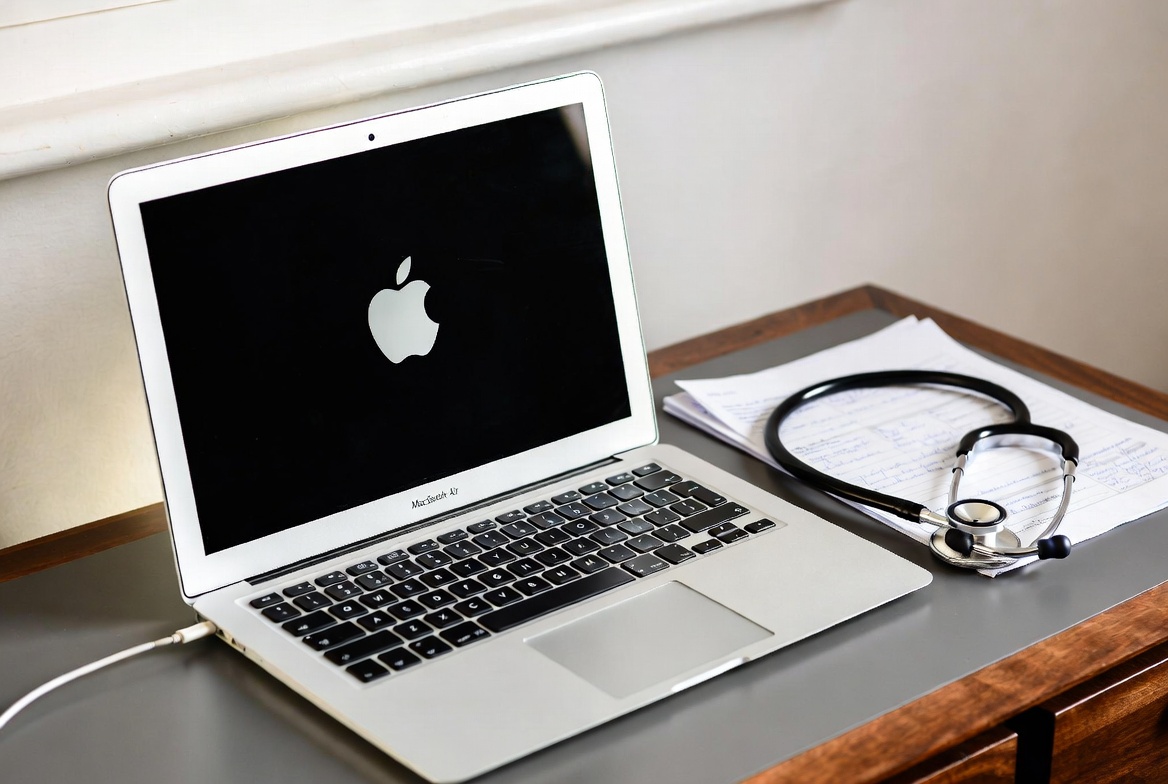
Why it Wins: The M-series MacBook Air (M2, M3, or newer) is a powerhouse. Its battery can genuinely last all day, it’s incredibly lightweight, and the performance is more than enough for any nursing school software. It’s a reliable, long-term investment.
Considerations: It comes at a premium price. While software compatibility is rarely an issue now, always double-check if your program requires any Windows-only software.
B. The Best Windows All-Rounder: Dell XPS 15
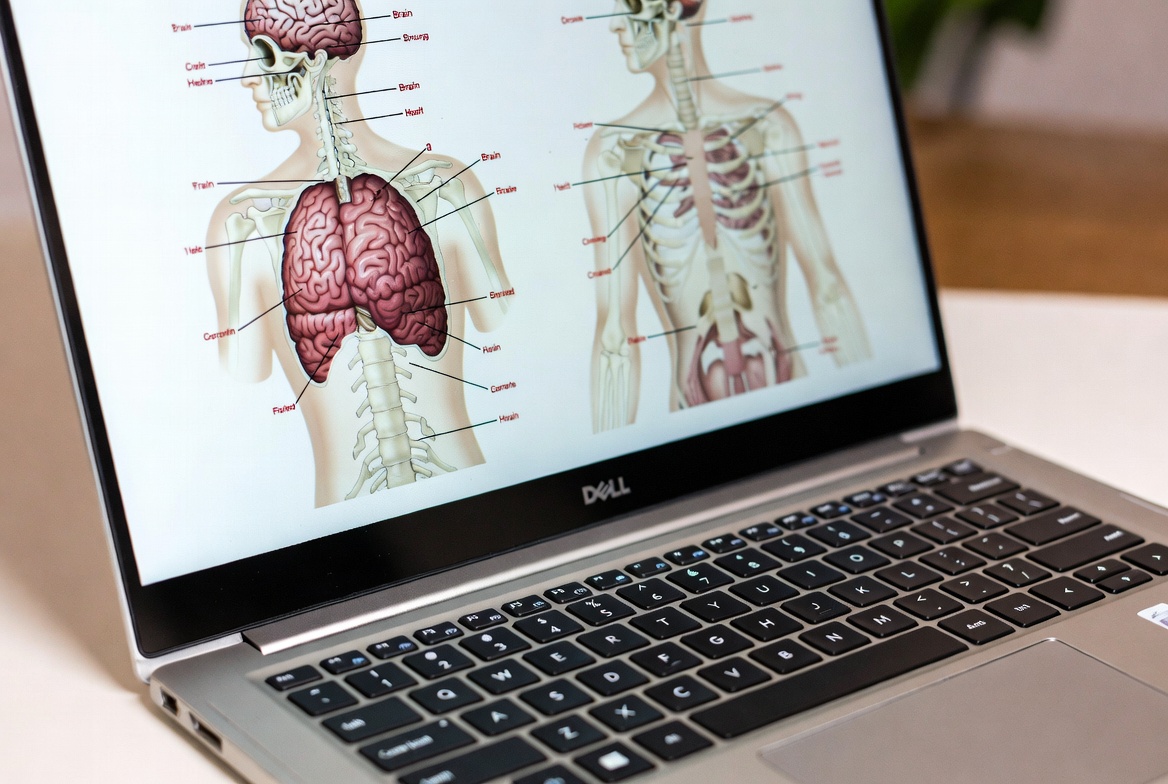
Why it’s a Top Contender: The Dell XPS line is the gold standard in the Windows world. It combines powerful processors, a beautiful high-resolution screen (perfect for anatomy charts), and a premium, durable build. It will easily handle anything any Arizona nursing program throws at it.
Arizona Advantage: As a robust Windows machine, it guarantees compatibility with all proctoring software and university systems.
C. The 2-in-1 for Note-Takers: Microsoft Surface Pro
Why it’s a Game-Changer: For students who love handwriting notes, the Surface Pro is unbeatable. You can write directly on lecture slides with the Surface Pen, then snap on the keyboard to type up a care plan. It offers the flexibility of a tablet with the full power of a Windows laptop.
Clinical Companion: Its small form factor makes it ideal for tight spaces in a clinical setting.

D. The Best on a Budget: Acer Aspire 5 / HP Pavilion Aero 13
Why they are Smart Choices: You don’t need to spend a fortune to get a great laptop for nursing school. Models like the Acer Aspire 5 or the HP Pavilion Aero 13 offer fantastic value. They provide the performance needed to meet all the core requirements without breaking the bank.
Key Features to Look For: When buying a budget model, make sure the specific configuration you choose has at least 8GB of RAM (16GB is better) and a Solid-State Drive (SSD).
V. Essential Accessories and Software for Success
Must-Have Peripherals:
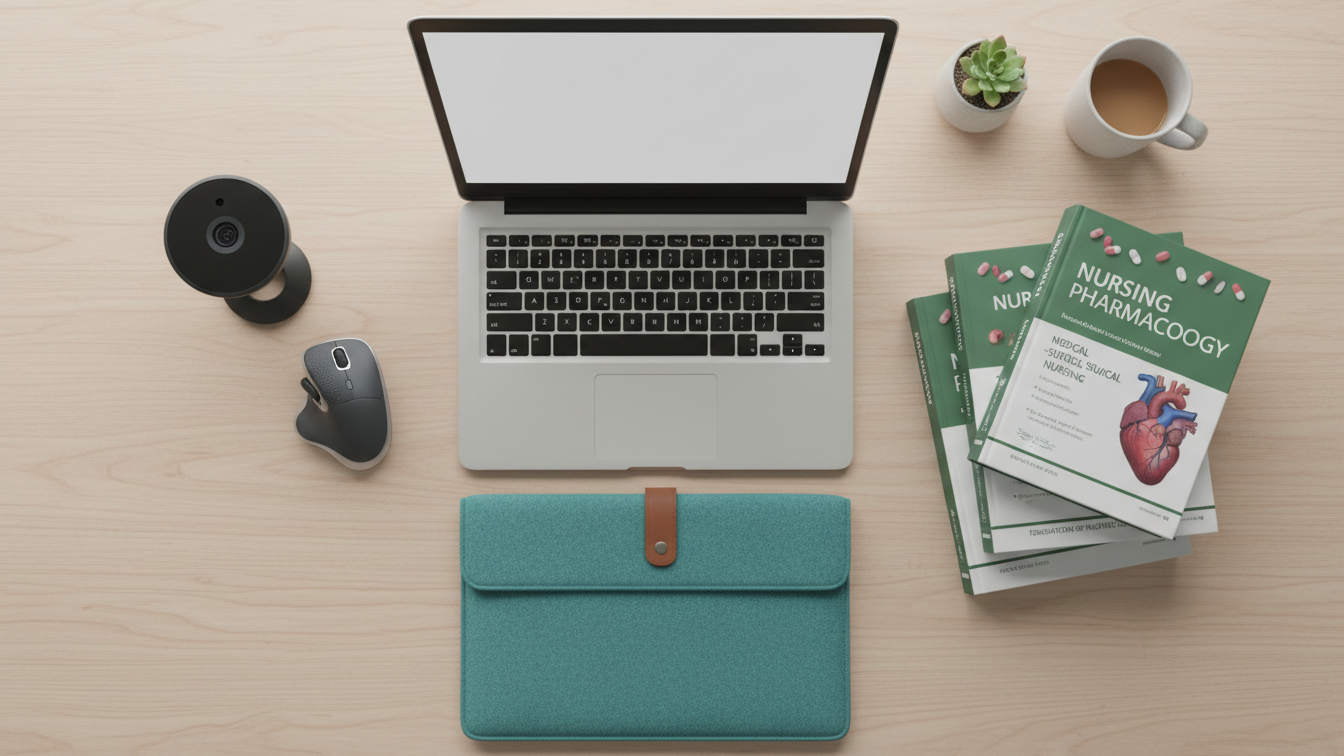
- A good quality webcam and microphone: Even if your laptop has one, an external one can be better. This is essential for professional virtual interactions.
- A comfortable external mouse: Much more ergonomic for long hours of research and writing.
- A protective laptop sleeve: An inexpensive way to protect your most important investment.
Software Every Nursing Student Needs:
- Microsoft Office 365: Often available for free or at a steep discount through your university. Check your school’s IT website!
- Citation management software: Zotero (free) or EndNote will save you countless hours on research papers.
- Exam Proctoring Software: You will be required to download tools like ExamSoft, Respondus, or ProctorU. Make sure your laptop is compatible from day one.
VI. Frequently Asked Questions (FAQ)
Can I just use a Chromebook or an iPad for nursing school in Arizona?
No. As stated by ASU and U of A, these devices are not sufficient as your primary computer. They often cannot run the specialized software required for exams and simulations.
Is a Mac or a PC better for nursing school?
Both are excellent choices and fully supported by AZ universities. The decision comes down to your personal preference and budget. PCs offer more variety and are often more affordable, while MacBooks are known for their ease of use and long lifespan.
How can I save money on my laptop purchase?
Always check for student discounts! Apple and Microsoft offer educational pricing. You can also look at the refurbished stores on the Dell, Apple, or Best Buy websites for certified, like-new products with a full warranty at a lower price.

VII. Conclusion: Investing in Your Future as an Arizona Nurse
Choosing the right laptop is more than just a purchase; it’s an investment in your education and your future career as a nurse in Arizona. From the demanding curriculum at the University of Arizona to the innovative programs at ASU, your laptop will be your constant companion.
Remember the key takeaways: prioritize all-day battery life, a lightweight design for portability, and performance specs (at least 8GB RAM, 16GB is better, and an SSD) that meet or exceed your specific school’s requirements. By making a smart choice now, you’re setting yourself up for a smoother, more successful journey through nursing school.

Before you click “buy,” do one last thing: visit your program’s official website and confirm their latest technology requirements. Good luck, future nurse!